A-02
Demo project
How it works: the Harbor Hotel
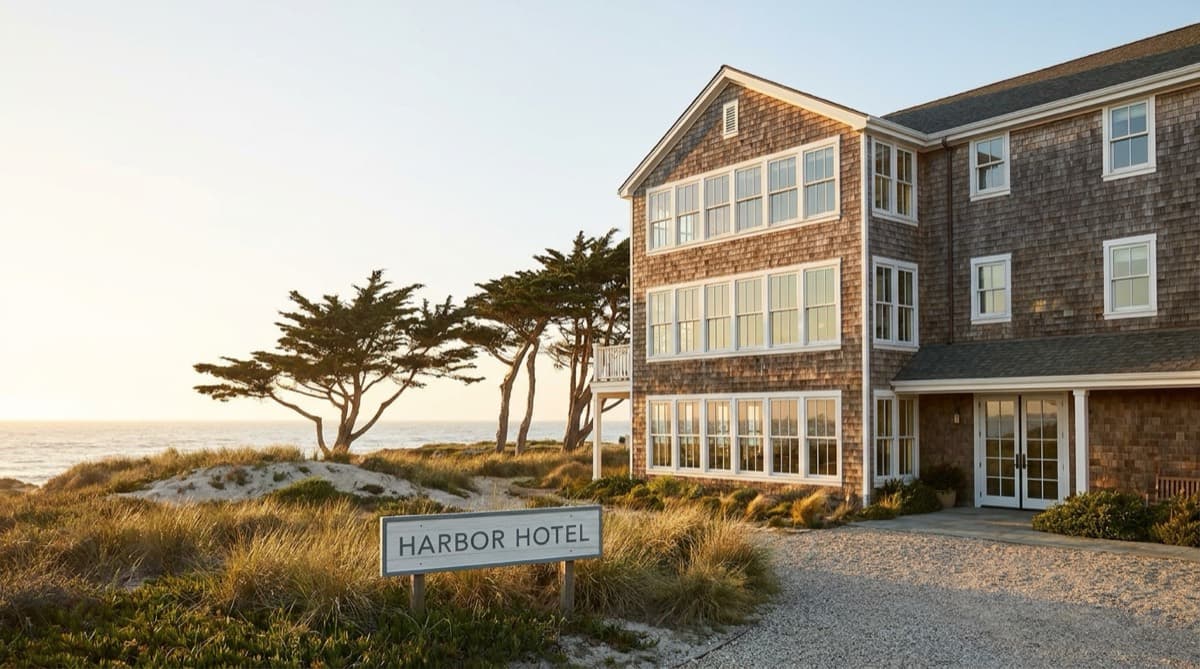
Nora of Fieldhouse, a small hospitality studio, takes the Harbor Hotel in Monterey, 140 keys, from her first folder of files to the issued spec book.
Fig. 1
Step 1 · Start
Name the project and drop the files
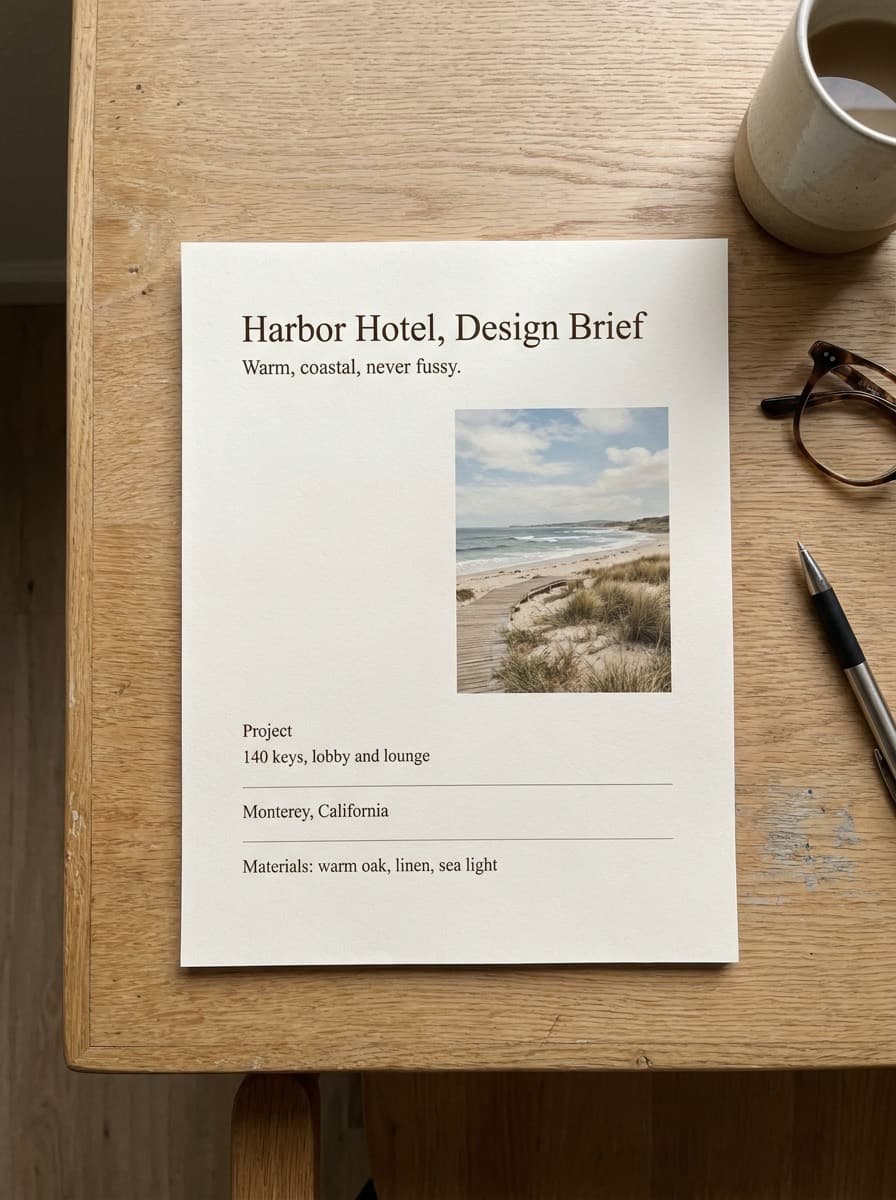
Nora brings 13 files: a 40-sheet plan set, the client's 64-page brand standard, an 8-page brief, the client's FF&E matrix in Excel, six mood images, and spec sheets for three products the client already chose.
Fig. 2
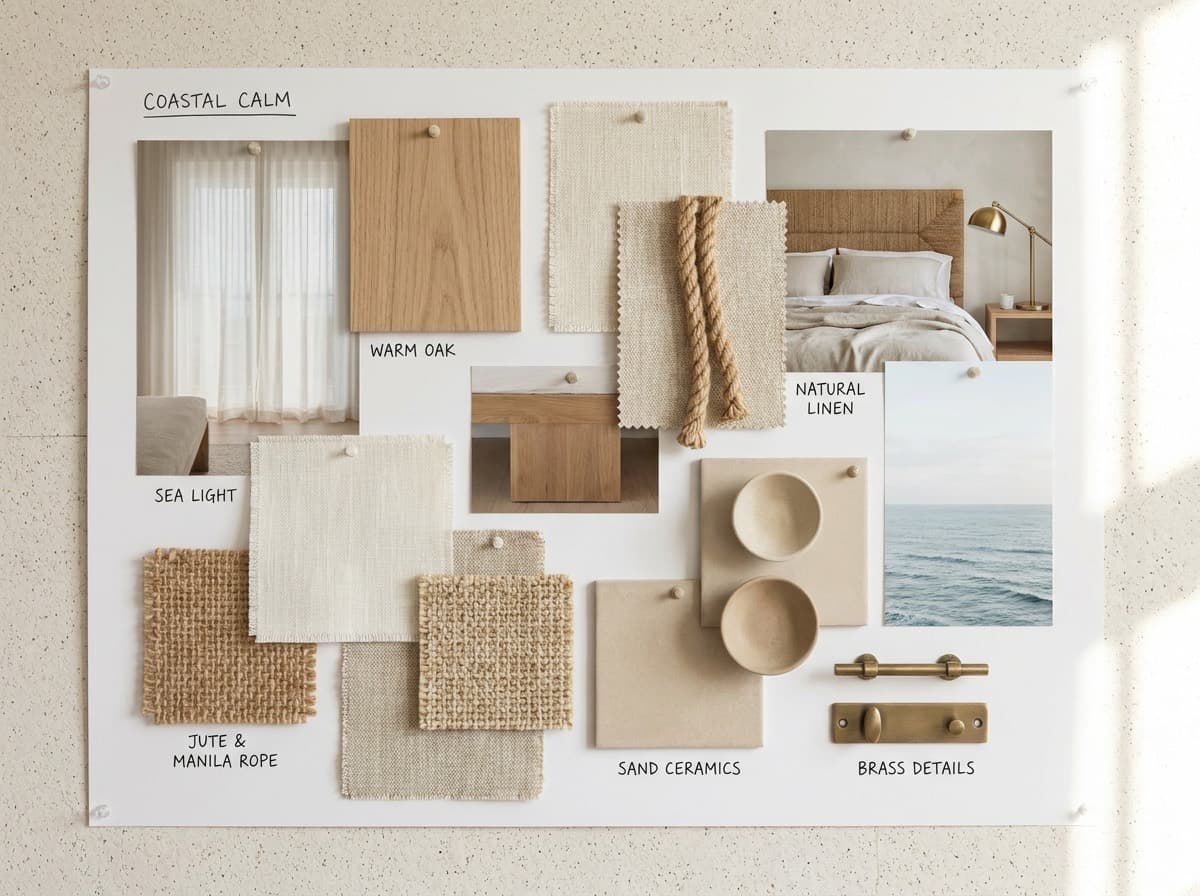
One of six mood images. Fig. 3
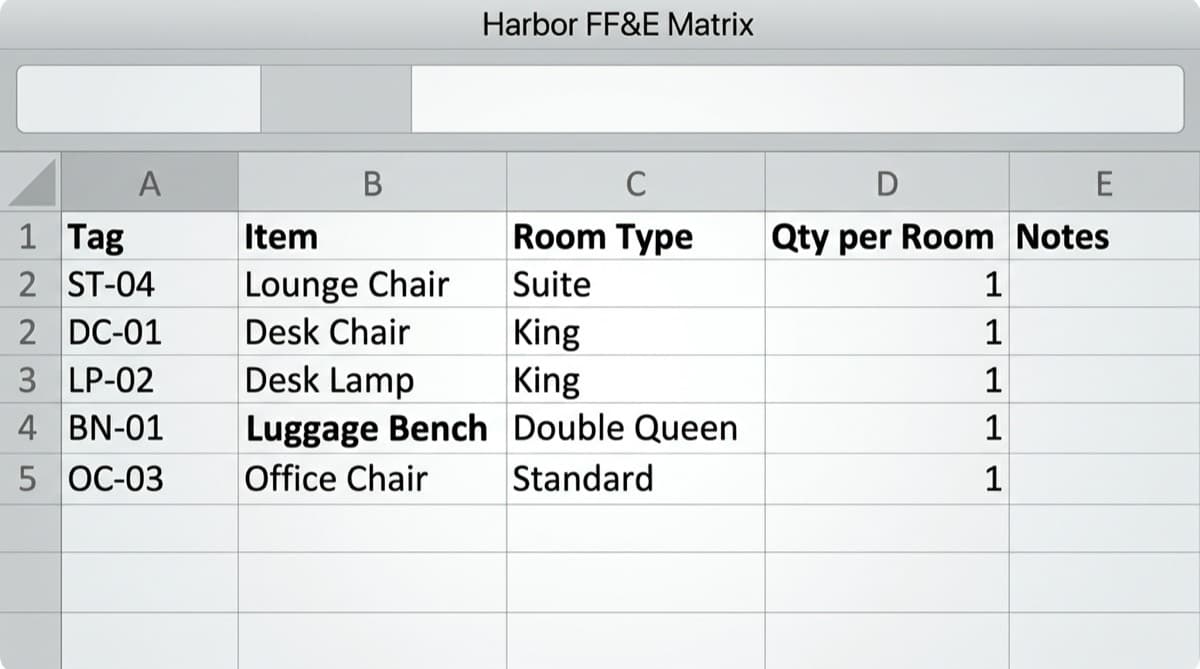
The client's FF&E matrix. - Nora
Types Harbor Hotel and the client, Harbor. Drops all 13 files on one drop zone.
- SpecFlint
Guesses each file's kind from its name, its page count and a read of its first page: plan set, brand standard, brief, FF&E schedule, mood image or spec sheet. One spec sheet lands as Other.
Before anything runs, it shows the estimate: About 25 minutes and 428 credits.
- Nora's call
She fixes the one wrong guess in one click, chooses to have the uploaded brand standard read, and presses Build the Specification. She can leave the page; the build keeps going.
Step 2 · Brief
The brief sets the profile and the direction
Fig. 4
- SpecFlint
Fills the profile fields it is sure of: hotel, California, imperial units. It proposes the direction and the list of qualities as two cards, and never fills those on its own.
- Nora's call
She accepts the direction and edits the qualities to warm oak, linen, sea light.
Step 3 · Standards
The brand standard becomes rules, each with its page
Fig. 5
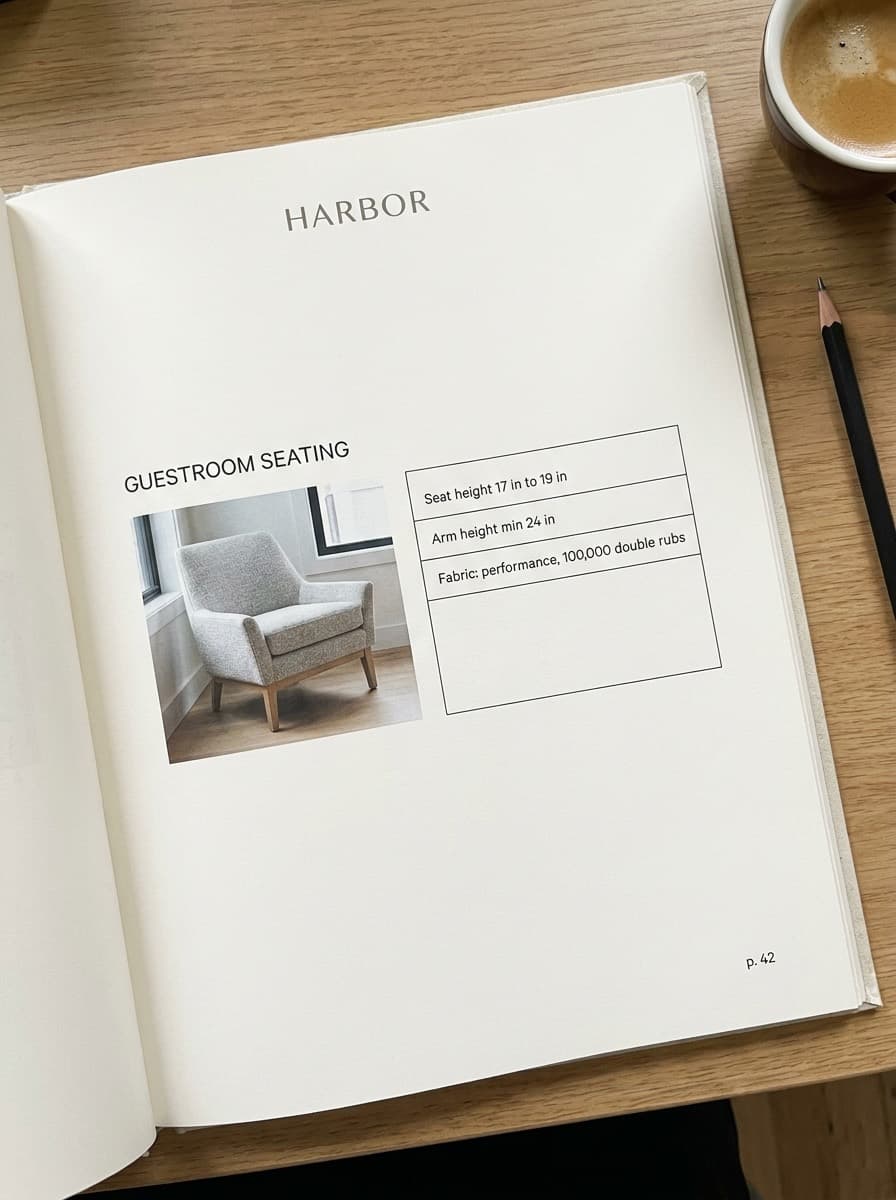
Harbor Brand Standard 2026, page 42. - Harbor Brand Standard 2026, p. 42Guestroom seating
- Seat height 17 to 19 inGate
- Arm height min 24 in
- Performance fabric, 100,000 double rubs
- SpecFlint
Reads the standard and drafts 41 rules and room requirements, each citing its page. For example: Guestroom seating: Seat height must be between 17 in and 19 in. Gate. p. 42. Arm height at least 24 in. Upholstery at 100,000 double rubs. Three drafts it is unsure of are marked Check This.
Fieldhouse's own studio standards apply too, such as upholstered seating meeting CAL 117-2013.
- Nora's call
She reads the three Check This drafts against the passage beside each, then presses Accept All. Until she does, no rule counts, and only the products those rules govern wait.
Step 4 · Rooms
The plan set becomes room types and counts
Fig. 6
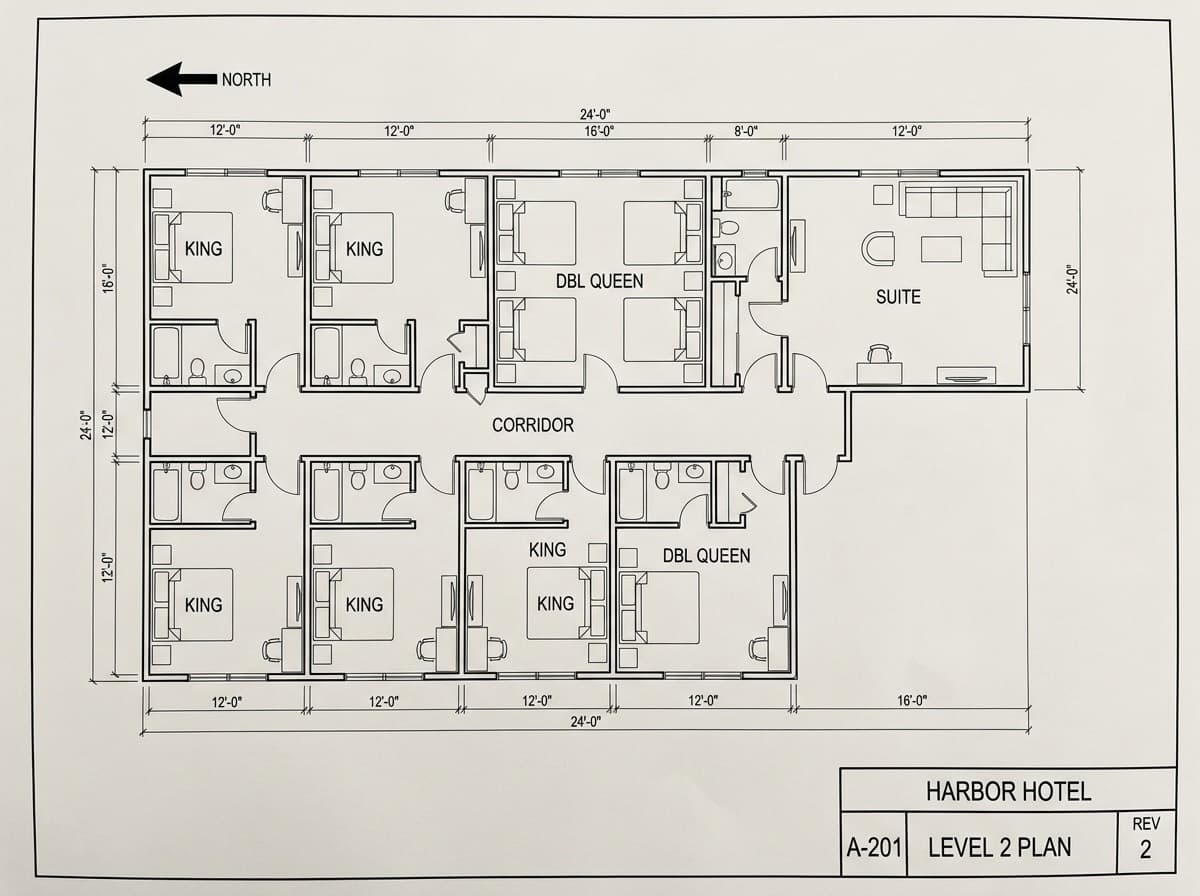
Sheet A-201, Level 2 plan, Rev 2. Fig. 7
A-201, Level 2, Rev 2. A King guestroom from the plan set, 12 ft wide. - SpecFlint
Reads all 40 sheets and finds six room types: King, Double Queen, Accessible King, Suite, Lobby and Lounge. 142 rooms, each type with its area and a clip of the plan.
Two counts need Nora: The plans add up to 6 Suite rooms across their sheets. Is that right? and The plans show 86 or 88 King rooms. Which is right? Every other room carries on.
- Nora's call
Yes to 6 Suites. 88 Kings, not 86.
Step 5 · Requirements
What each room needs
- SpecFlint
For every room type it recommends what the room needs, from the room's plan clip, the brand standard, the studio standards, the brief and Fieldhouse's past rooms. It adds 104 requirements it is sure of, and asks about the rest, saying why: Add 1 sleeper sofa to Suite? Add 1 luggage bench to Accessible King?
- Nora's call
She adds the sleeper sofa and skips the luggage bench.
Step 6 · Products
Products are found, checked and ranked
Fig. 8
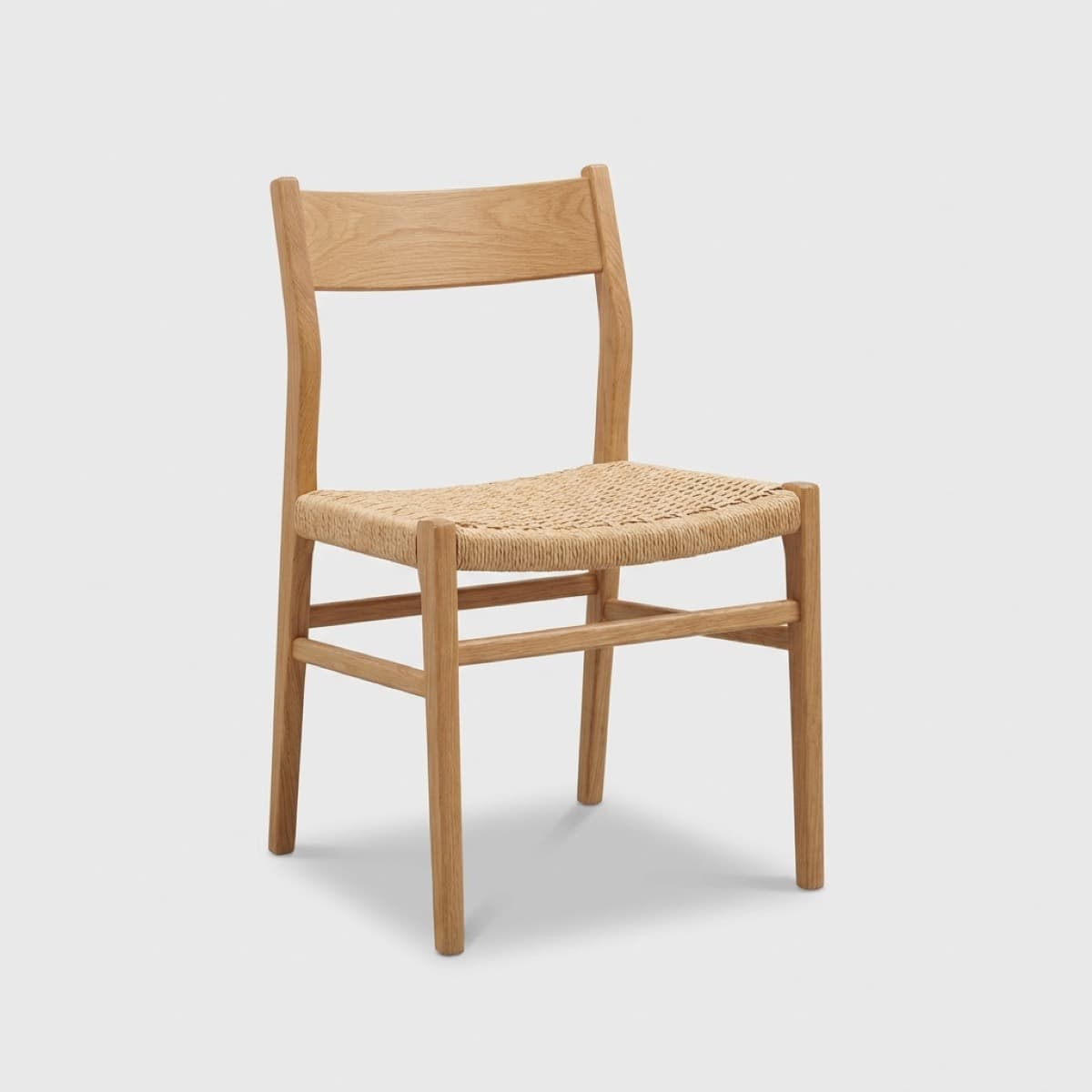
ST-02 Alder Desk Chair. Fig. 9
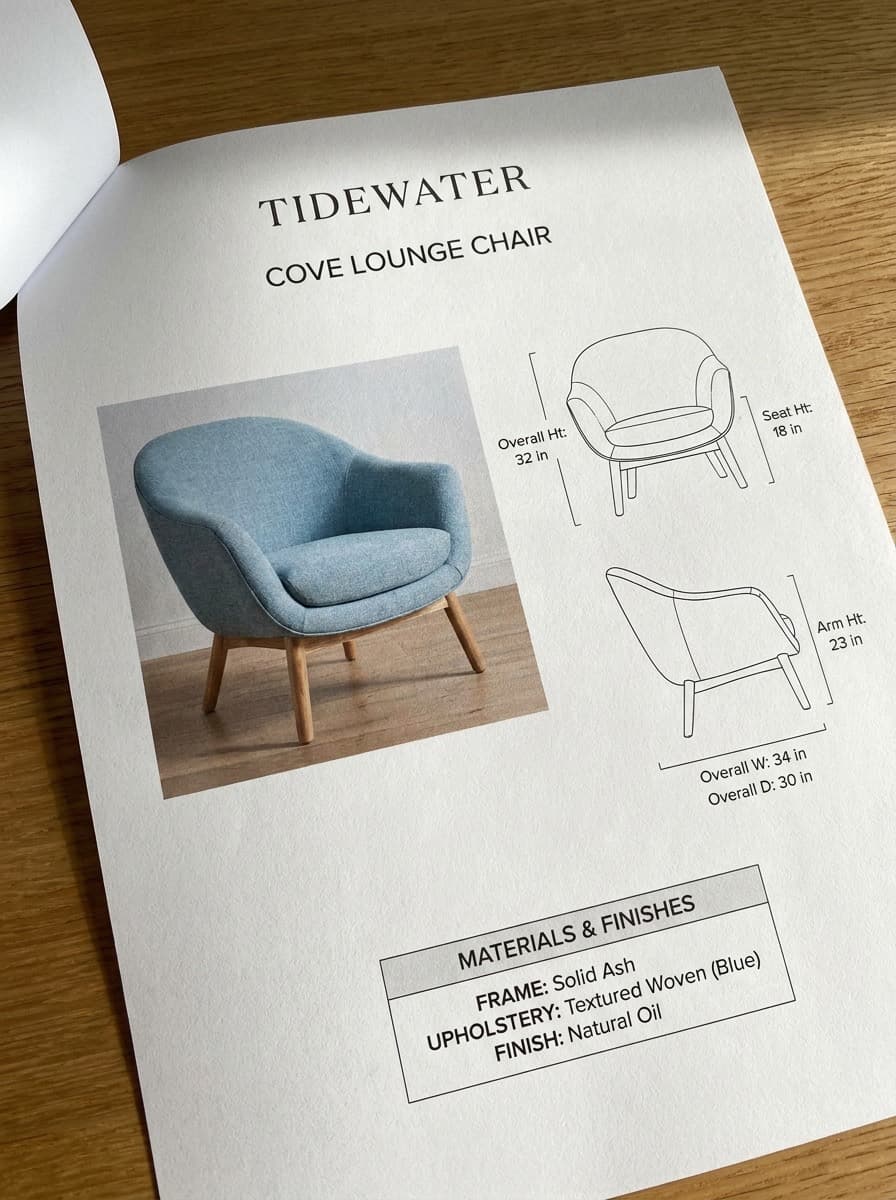
Cove Lounge Chair spec sheet: arm 23 in. Fig. 10
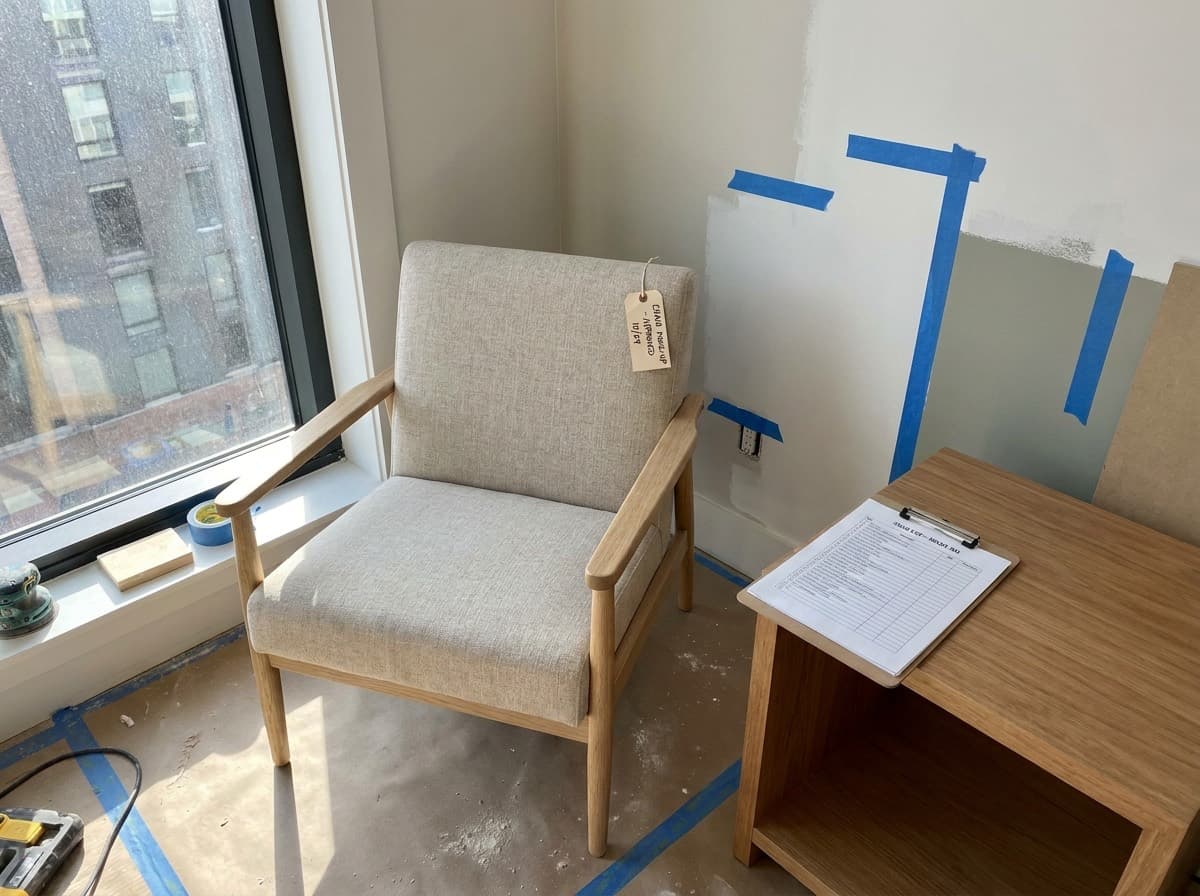
The mock-up room. - SpecFlint
Gathers candidates from the studio library, past projects and the catalogue of manufacturer pages, guided by the direction and the mood images. It checks each against every rule, ranks them, and drafts the best with two alternates and its reason: Alder Desk Chair: used on 2 projects; passes 8 brand and studio rules. Guestrooms share one product per category; the Suite, 49% larger than its group, gets its own picks.
Two questions come back. No lounge chair passes the 24 in arm height; the closest is the client's Cove Lounge Chair at 23 in. And two desk chairs fit King and Double Queen equally well.
- Nora's call
She keeps the Cove and presses Waive with Reason: Client approved the lower arm in the mock-up room. The waiver is logged with her name. She chooses the oak Alder Desk Chair over the Pier.
Steps 7 and 8 · Quantities and checks
Placed in rooms, then every rule on every item
- SpecFlint
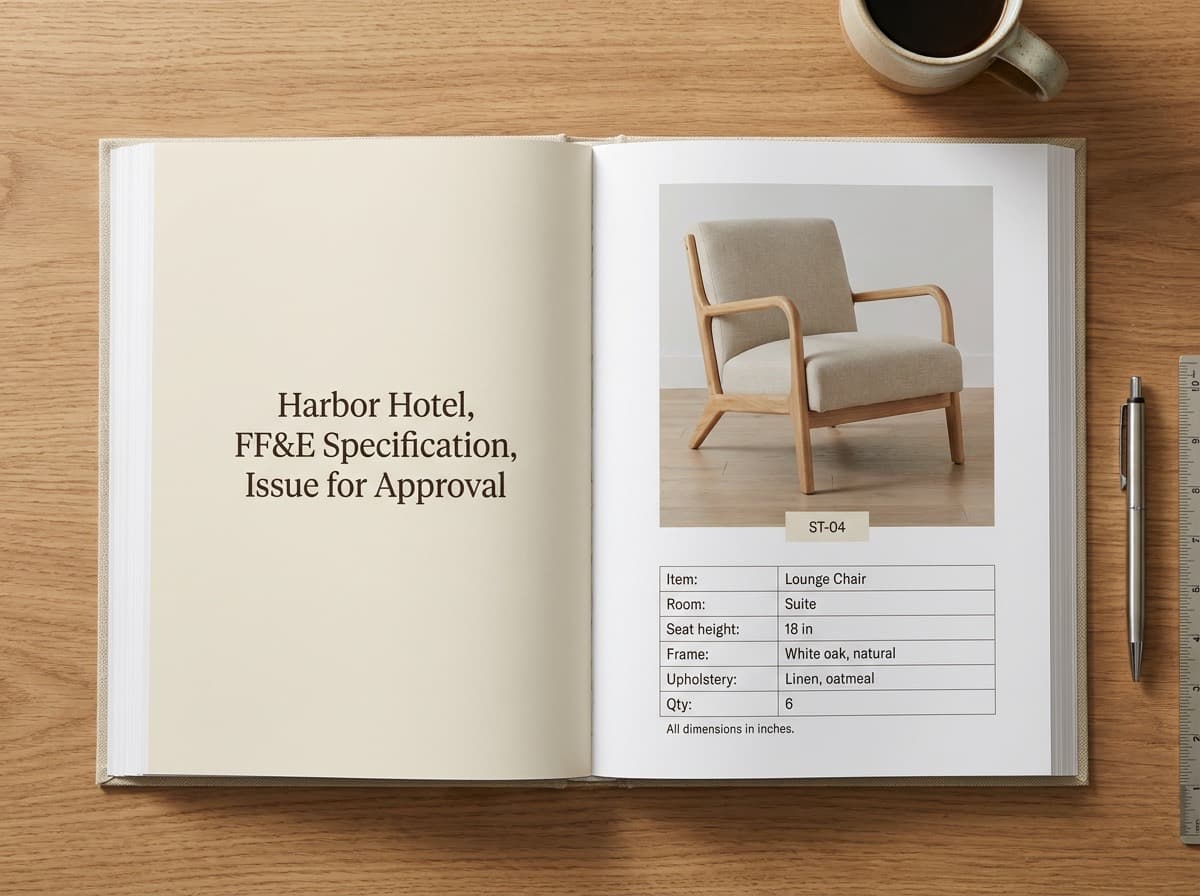
Places each item in its rooms at the required quantity: 131 placements, and one schedule per room group, Guestrooms FF&E with 44 items and Public Areas FF&E with 17. Each item gets its tag, such as ST-04 for the Cove Lounge Chair and LT-03 for the desk lamp.
Then it runs every rule on every item. A rule judges only a stated value: one a person confirmed, or one from a real product record. An AI-read value reads Unknown and never passes. No AI runs in these two stages.
- Result
Specification drafted: 61 items across 6 room types, 9 questions answered, 1 rule waived
Step 9 · Review
Nora reviews, confirms and refines
Fig. 11
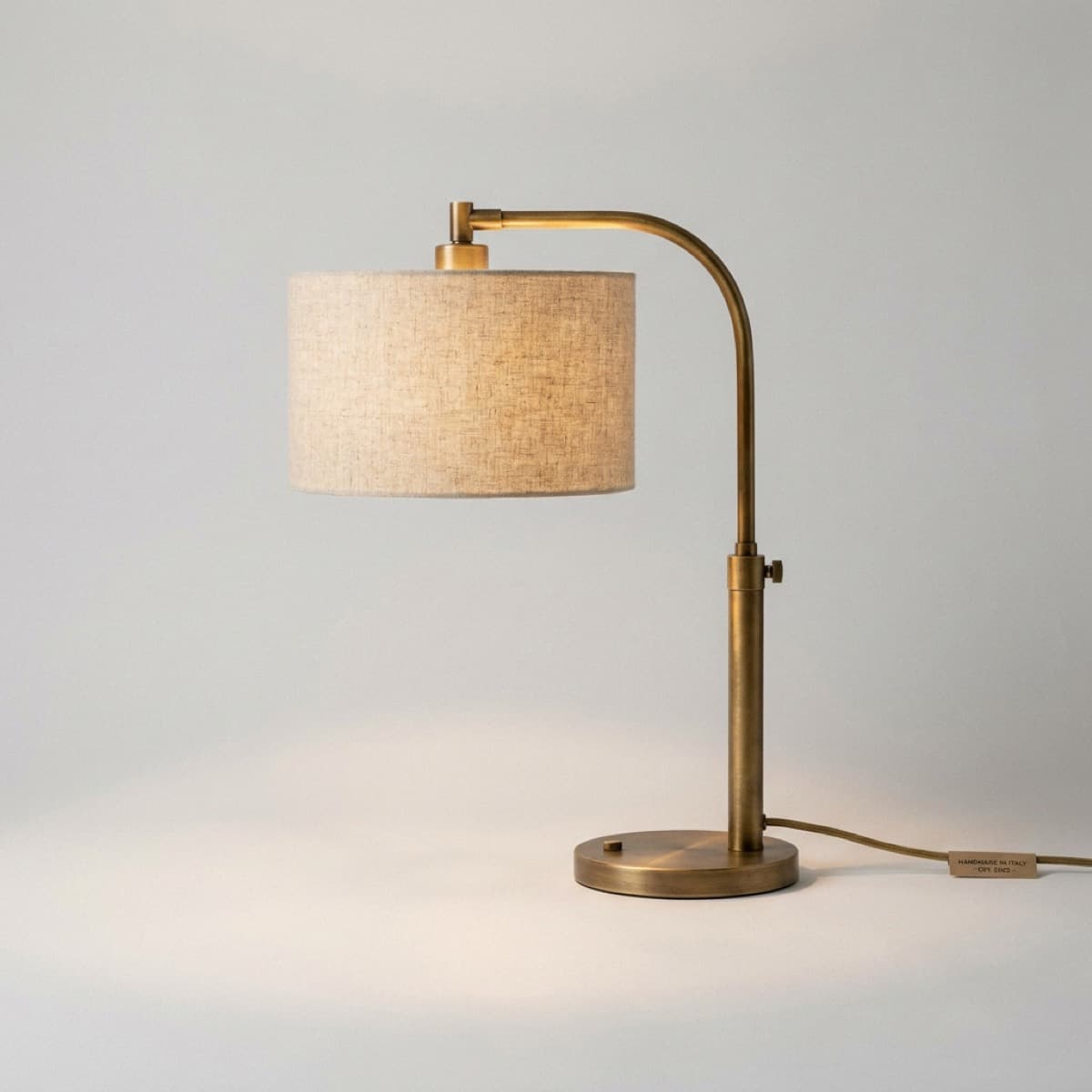
LT-03 Linen Shade Desk Lamp. - SpecFlint
Marks everything it drafted as AI-drafted, and filters the Items list to just those. Each item shows its values with how sure it is: height 24 in 94%, shade Linen 88%, lamping LED, 2700 K 62%, Check This. Its checks read 9 pass and 1 unknown, the lamping, until a person confirms it.
- Tools
Nora asks the assistant for a lounge chair like the one in the mock-up photo with arms at 24 in or higher, and compares two of its product cards side by side. On ST-04 she uses the Magic Pen's Recommend Alternates. For a luggage bench the client asked for later, she pastes the maker's product page into New Item, and Draft the Spec fills its values, COM yardage and lead time included, each with its source.
- Nora's call
She presses Confirm All Values on Guestrooms FF&E: Confirmed values on 44 items. She decides the Suite's lamp need not differ, and presses Use the Same Product as King. Nothing the assistant or the pen found is added until she adds it.
Step 10 · Revision
Revised plans arrive
Fig. 12
Rev 2, replaced. Fig. 13
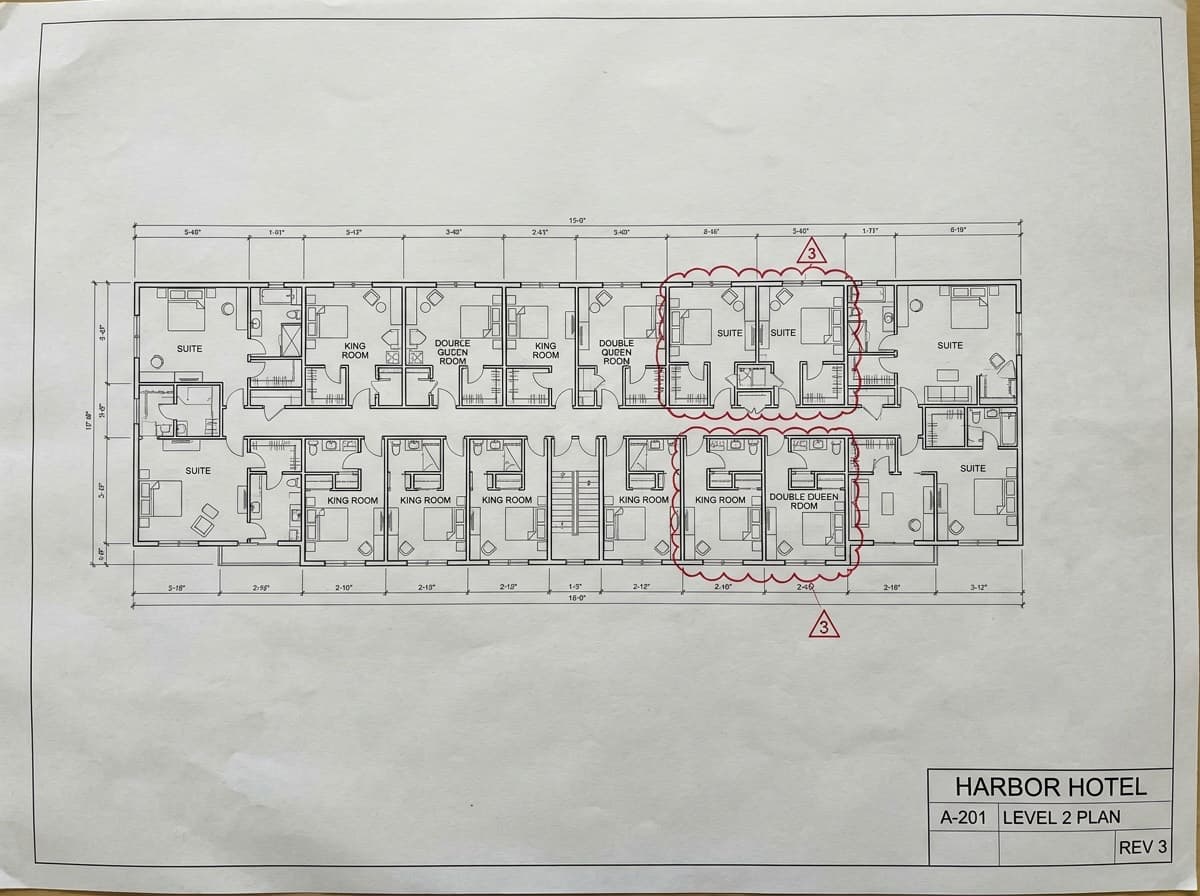
Rev 3, two revision clouds. - Nora
A week later the architect issues Rev 3. She presses Replace on the old plan set and picks the new one.
- SpecFlint
Reruns only what the plans affect: Rooms and the stages after it. Brief and Standards stay done. The estimate is worked out again: About 15 minutes and 255 credits. Rev 3 shows 90 Kings, and Nora had set 88, so it asks: The revised plans show 90 for King. You set 88. Keep yours or use the new value? A rebuild keeps every value you confirmed or edited. When revised plans change a room count you set, it asks: Keep Mine or Use the New Value.
- Nora's call
Use the New Value. King goes to 90, and its quantities follow.
Step 11 · Approvals
Design review, then the client
- Nora
Invites the client's design lead as a project guest, as a Viewer with the Client role. The guest sees the Harbor Hotel and nothing else of Fieldhouse. Then she presses Send for Approval on Guestrooms FF&E.
- SpecFlint
Freezes the revision being sent. It routes the items to Design Review, where Fieldhouse's reviewer decides, then to the Client. Each item is decided on its own: Approve, Send Back or Reject, with a note for either of the last two, or Approve All Remaining. ST-04 travels with its waiver. An item that failed a Gate rule with no waiver would be held back and named.
- Who decides
The reviewer and the client, item by item. The client sends back the desk lamp with a note asking for a warmer finish; Nora picks one of the two alternates and sends again.
Step 12 · Issue
The spec book and the schedule
Fig. 14
- Nora
Issues a Procurement package for the guestrooms.
- SpecFlint
Makes the PDF spec book and the Excel schedule from the approved items: tags, quantities by room and the confirmed values. A guest the package is addressed to can open its files.
- Nora's call
What to issue, to whom, and when.
Credits
What the Harbor Hotel cost
Each AI step holds its estimate first, is charged what the work actually cost, and the rest goes back. Work that fails is not charged.
- Reading file kinds
- about 13
- Guided build
- about 415
- Rebuild for Rev 3
- about 256
- Left of 1,000 trial
- about 316
Estimates. Real charges differ by project. Reviewing, confirming, answering questions, approvals and issuing cost nothing.
Where it ends up
The rooms the specification furnished
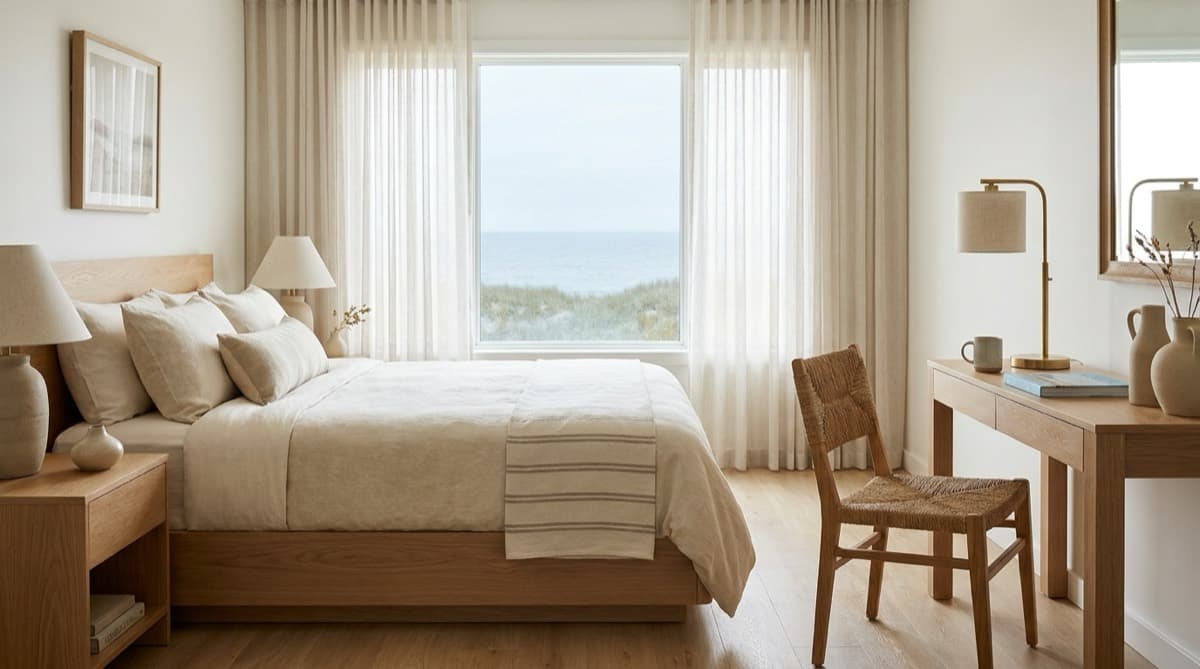
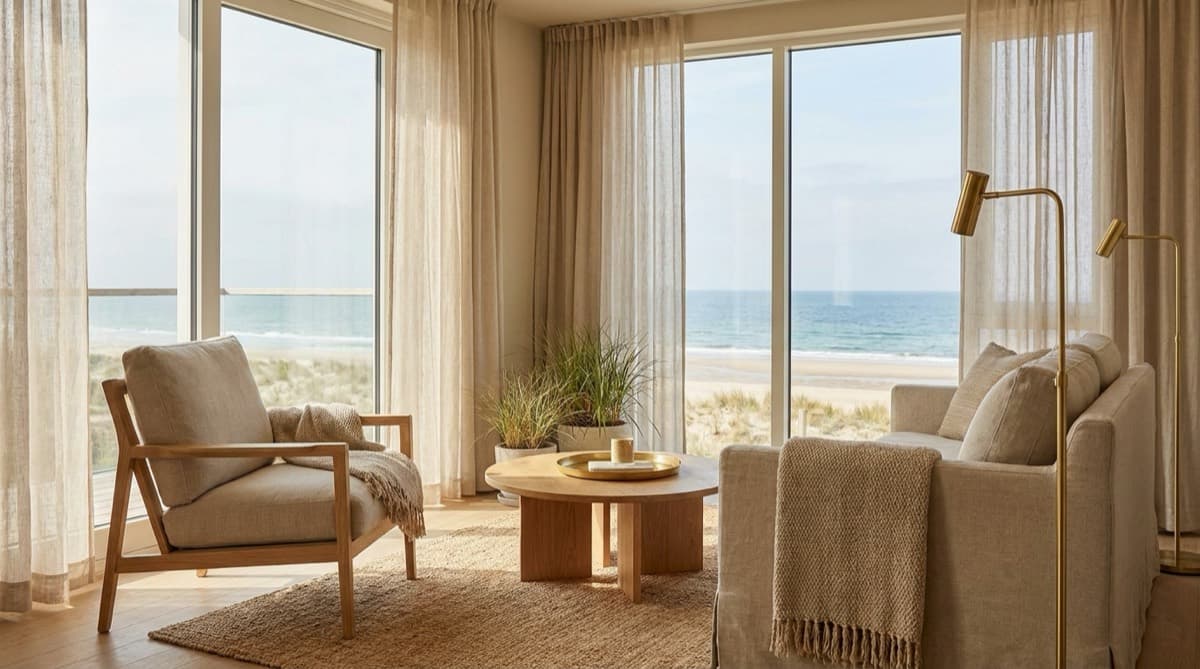
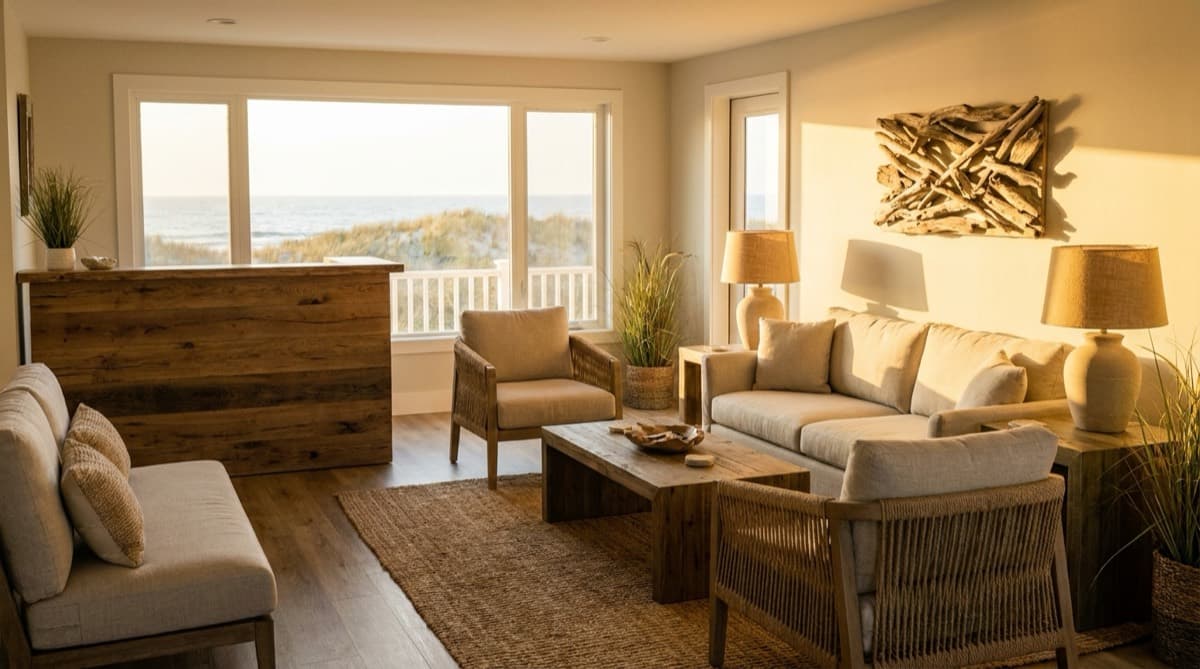
Illustrative renderings. SpecFlint does not make renderings.
Start with one product, or a whole project.
Try It Free needs no account. Sign in to start a project with 1,000 trial credits.